Create and send your first invoice
Set company details, choose a customer, add line items, review the PDF, and send with confidence.
Read the first-invoice guideDocumentation
The easyTimi documentation hub collects product walkthroughs, billing checklists, and workflow notes so users can move from setup to sending, payments, and international invoice details without guessing.
This version is organized by user task and illustrated with current product screenshots from the live app. Each card links to the best available guide now, while leaving room for deeper product docs as the help center grows.
Start
Set up the account foundation users need before they issue the first invoice.
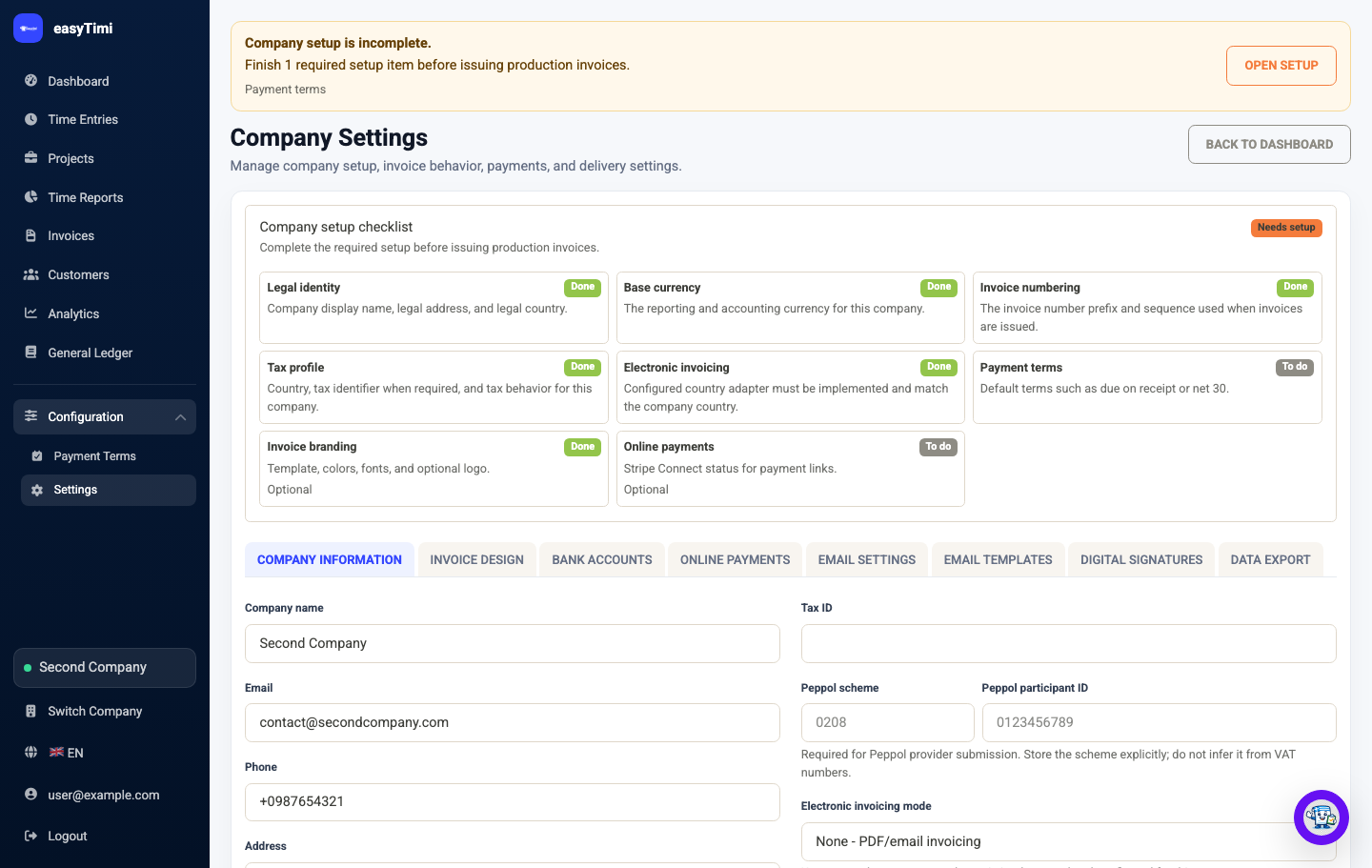
Set company details, choose a customer, add line items, review the PDF, and send with confidence.
Read the first-invoice guideReview legal identity, country, base currency, invoice numbering, branding, payment terms, and email setup.
Open settings after sign inBill
Keep the invoice record clean from customer setup through issue, delivery, and payment tracking.
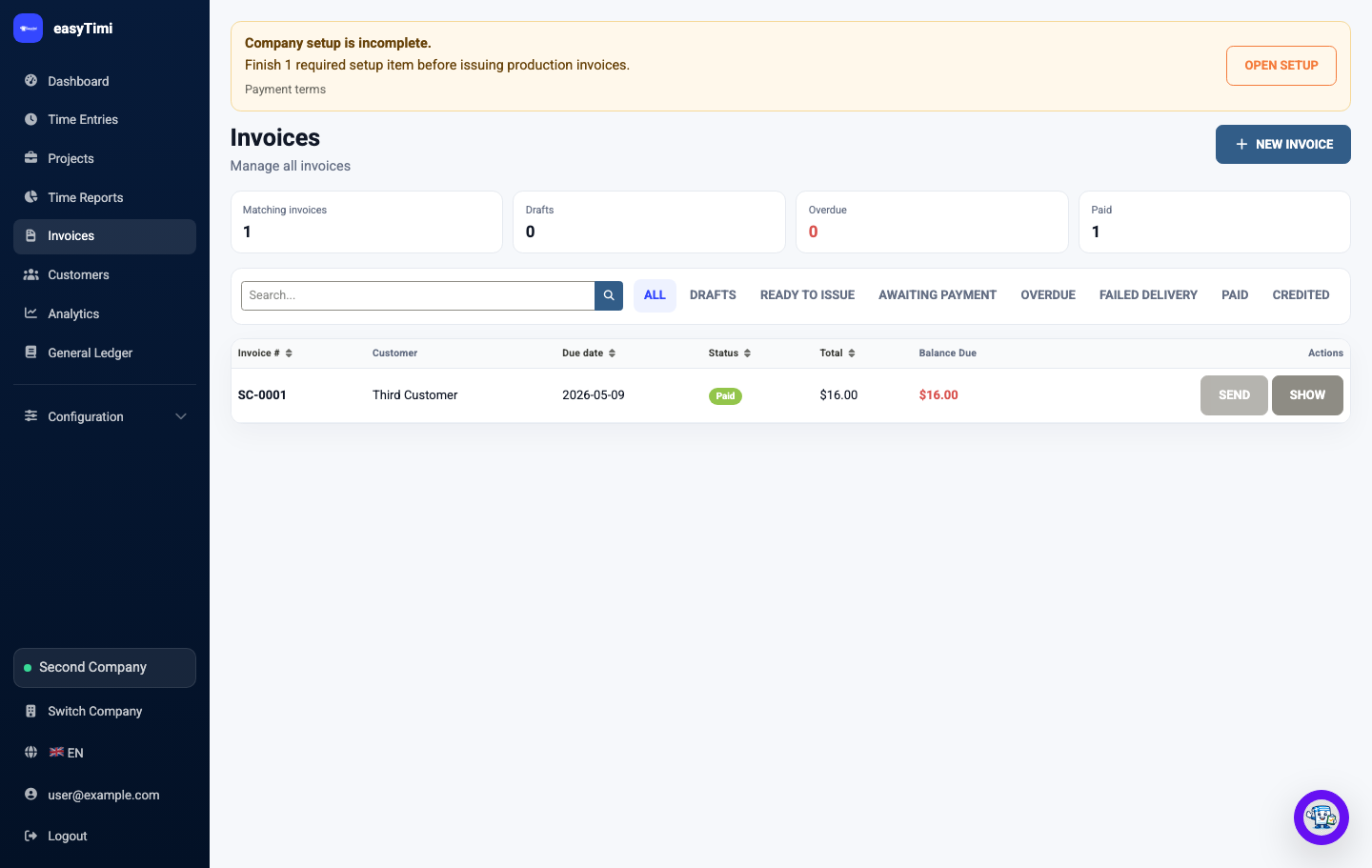
Confirm invoice numbers, dates, seller and buyer identity, line-item detail, tax labels, totals, and payment instructions.
Read the invoice checklistDecide when one company workspace is enough and when separate legal sellers, users, or customer records are cleaner.
Read the workspace guidePaid
Help users shorten the distance between a sent invoice and a reconciled payment.
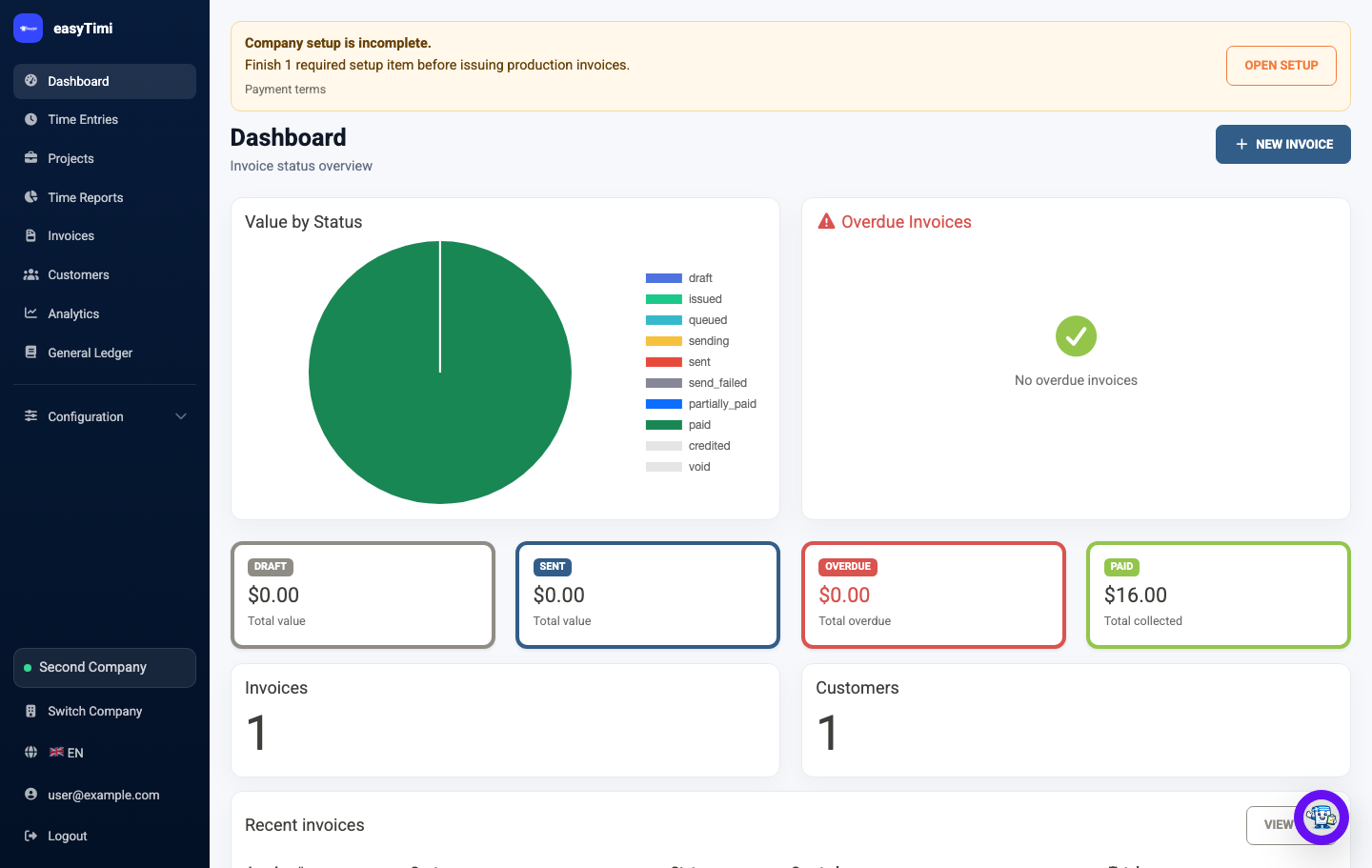
Connect Stripe, create payment sessions, share payment links, and understand where payment status appears.
Read the Stripe guideUse invoice activity, delivery attempts, reminder events, and payment state to understand what happened after sending.
Open app after sign inTime
Capture billable hours, review project work, and turn approved time into invoice lines.
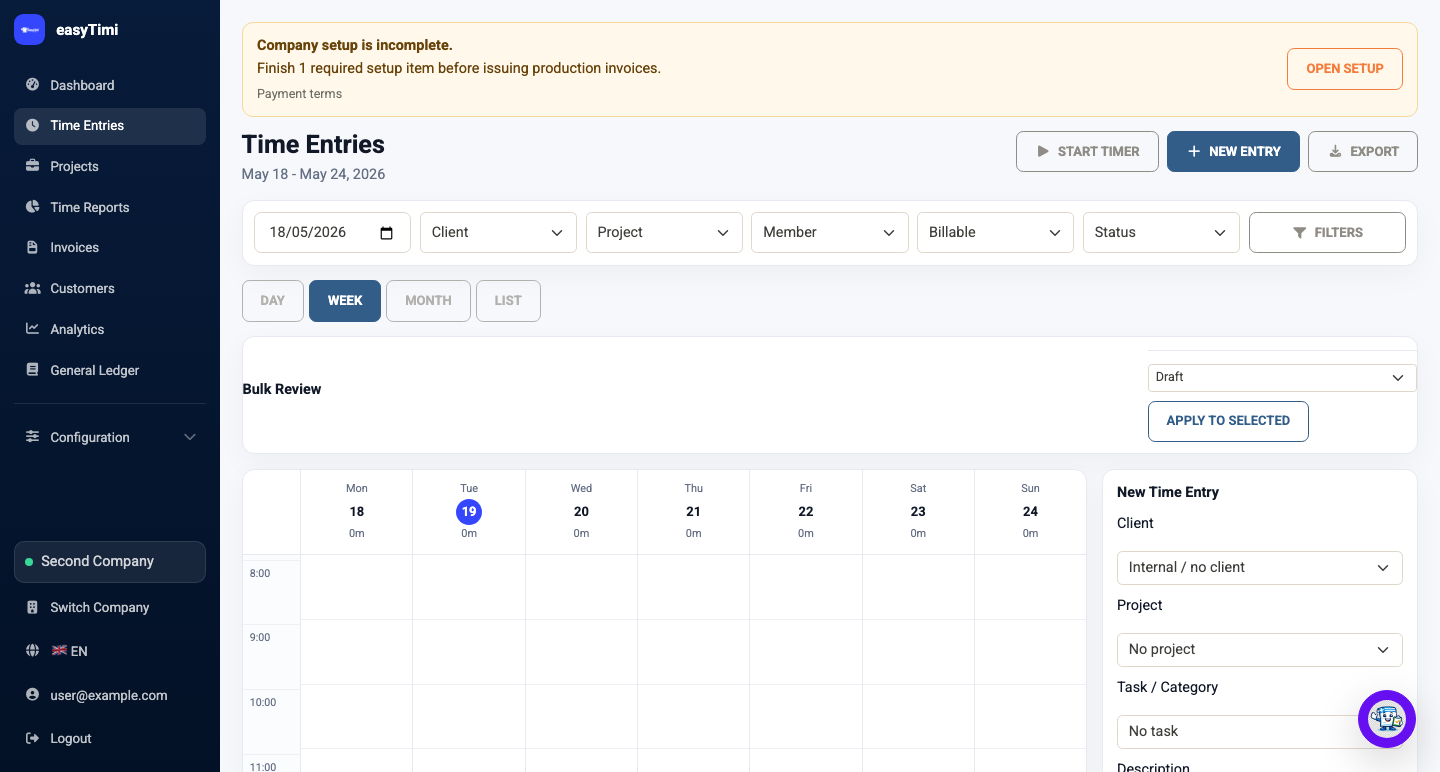
Use time entries, project filters, timers, notes, and status changes to keep billable work ready for review.
Open time entries after sign inReview project totals, export reports, and create invoices from approved billable entries when the work is ready.
Open time reports after sign inIntl
Prepare the facts that make cross-border invoices easier to review, send, and explain.
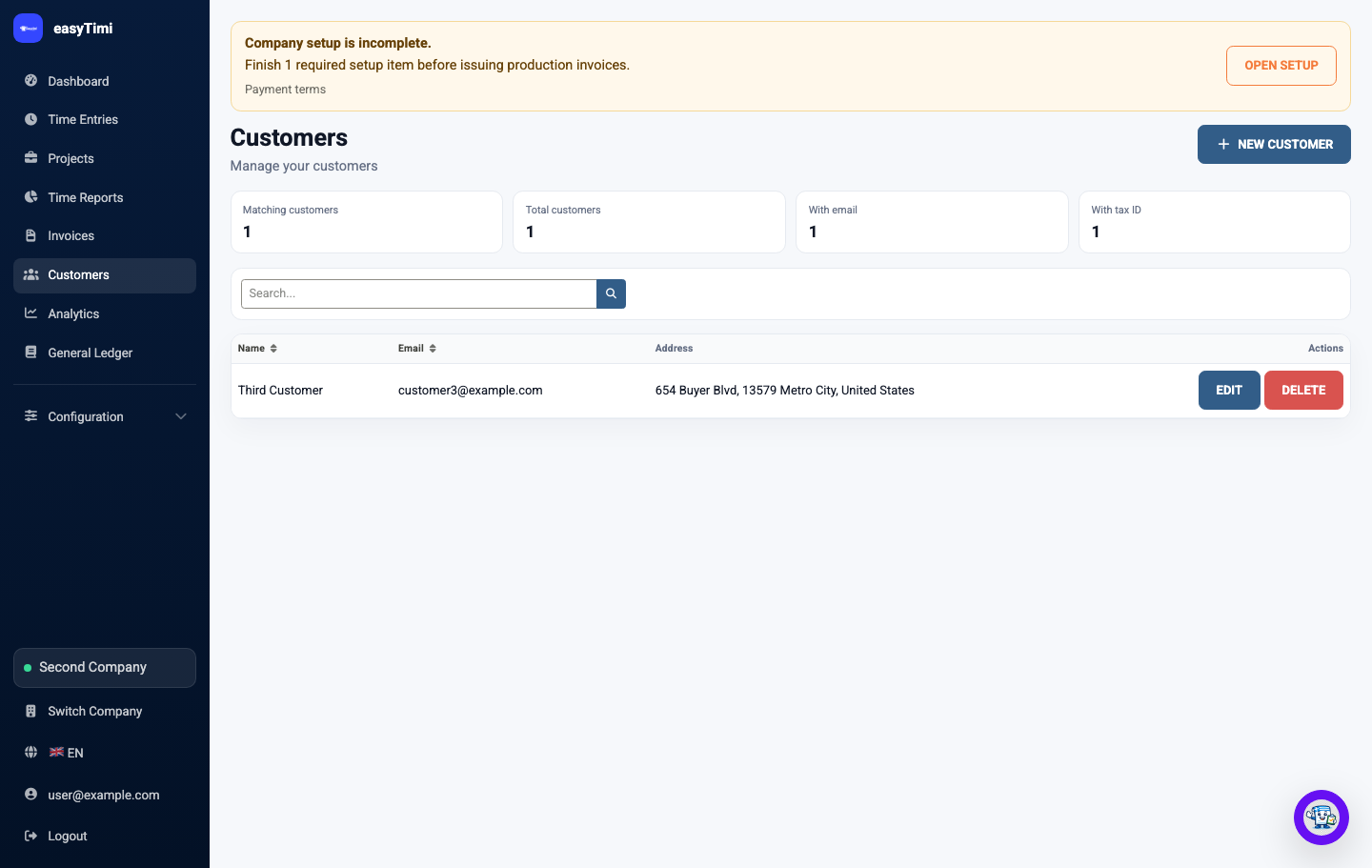
Choose invoice currency, record exchange-rate context, and understand the difference between invoice and base currency.
Read the currency guideGather customer location, VAT IDs, supply type, and exemption wording before selecting invoice tax treatment.
Read the tax-label guideeInv
Understand the practical setup needed before sending country-specific electronic invoices.
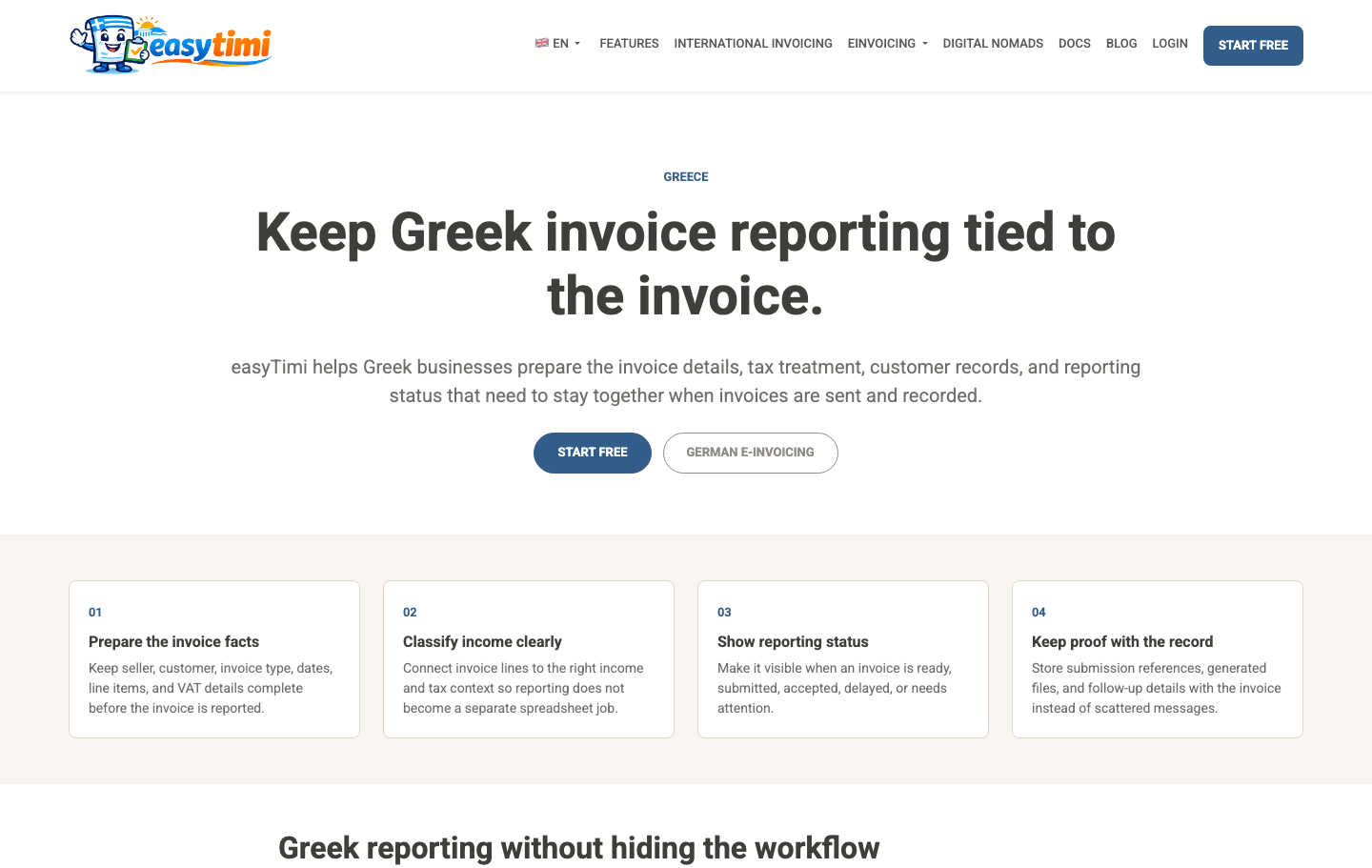
Prepare for German e-invoice expectations with a workflow users can understand before implementation details matter.
Read the Germany guideReview Belgian e-invoicing and Greek myDATA guidance from the public eInvoicing menu.
Read the Greek myDATA guideDocumentation roadmap
A useful help system needs product pages, not only articles.
The next layer should turn frequent app workflows into dedicated reference pages with screenshots, prerequisites, failure states, and troubleshooting steps.
Explain every settings tab, required legal fields, invoice numbering, payment terms, email delivery, branding, and electronic-invoicing mode.
Document draft, issue, send, failed delivery, payment, credit note, voiding, artifacts, and reminder behavior.
Cover plans, organizations, company switching, users, roles, two-factor setup, passkeys, and API tokens.
Document timers, weekly entries, projects, reports, billable status, exports, and creating invoices from approved time.
Add focused pages for failed invoice email, missing exchange rates, Stripe connection issues, validation errors, and e-invoice artifact problems.
Start free with professional invoices, customer records, payment visibility, and international-ready billing details.